Tiếng Việt

Grand Theft Auto: San Andreas is a legendary open-world action-adventure game that allows players to explore the vast state of San Andreas and take part in intense gang wars across Los Santos, San Fierro, and Las Venturas. In this article, Nhat Truong – a gamer from GTA San – provides a clean and virus-free GTA San Andreas original PC download link, along with a detailed installation guide to help you run the original version smoothly on both PC and mobile devices.
Detailed Information About Grand Theft Auto: San Andreas
Grand Theft Auto: San Andreas (commonly known as GTA SA) was first released by Rockstar Games in 2004. It is the seventh installment in the iconic Grand Theft Auto series. The story follows Carl Johnson (CJ), who returns to his hometown of Los Santos after five years in Liberty City to attend his mother’s funeral. Upon his return, he becomes involved in rebuilding the Grove Street Families gang and uncovering the truth behind his family’s tragedy.
The game stands out for its sandbox-style gameplay. You can follow the main storyline missions or freely explore the open world. Features such as vehicle customization, working out at the gym to change CJ’s physique, flying jet aircraft, and engaging in territory wars have helped GTA San Andreas maintain its popularity for over 20 years.
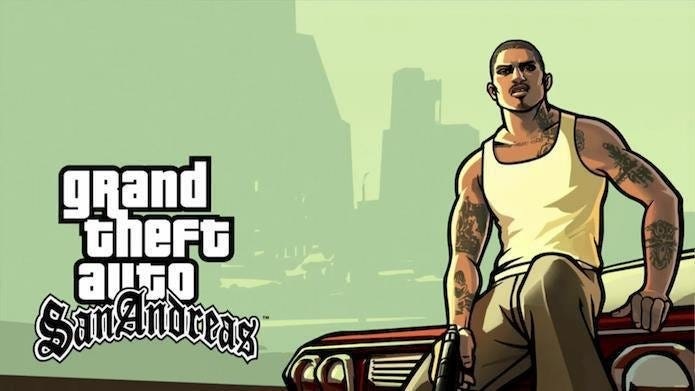
GTA San – a legendary open-world action-adventure game
System Requirements for Smooth GTA San Andreas Gameplay
To ensure the best gaming experience, you should check your system configuration before you download GTA San Andreas to your computer. Below is the detailed specification table compiled by Nhat Truong:
PC System Requirements
| Specification | Minimum (Playable) | Recommended (Smooth Performance) |
| Operating System | Windows XP / 7 / 8 | Windows 10 / 11 (64-bit) |
| CPU | Pentium III 1GHz or AMD Athlon | Intel Core i3 or AMD Ryzen 3 |
| RAM | 256 MB | 4 GB or higher |
| Graphics Card | 64 MB VRAM (GeForce 3) | 1 GB VRAM (GTX 650 or higher) |
| Storage Space | 4 GB free space | 5 GB (for additional Mods/Language Packs) |
How to Install GTA San Andreas Original Version on PC
The installation process for Grand Theft Auto: San Andreas on PC is very simple. I have optimized the steps so you can complete everything in just a few minutes:
Step 1: After downloading the file from the link below, use WinRAR or 7-Zip to extract the files. Right-click the file and choose “Extract Here“. Enter the extraction password if required (usually the website name or provided next to the download link).
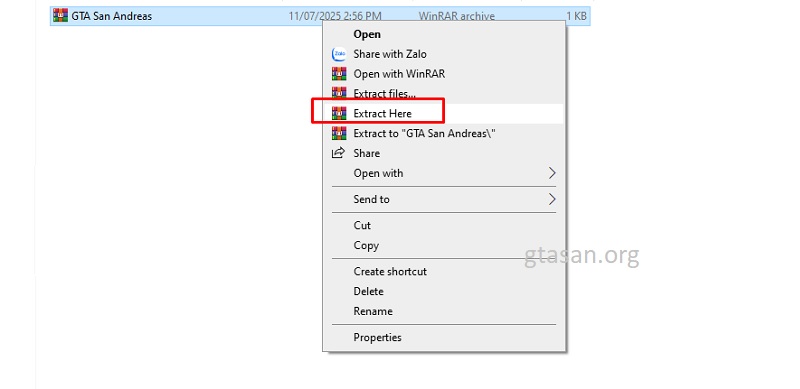
Right click > Extract Here
Step 2: Open the extracted folder, locate the file named GTA_SA.exe (Application), and double-click it to launch the game. If you only want to play the original English version, the installation process is complete at this step.
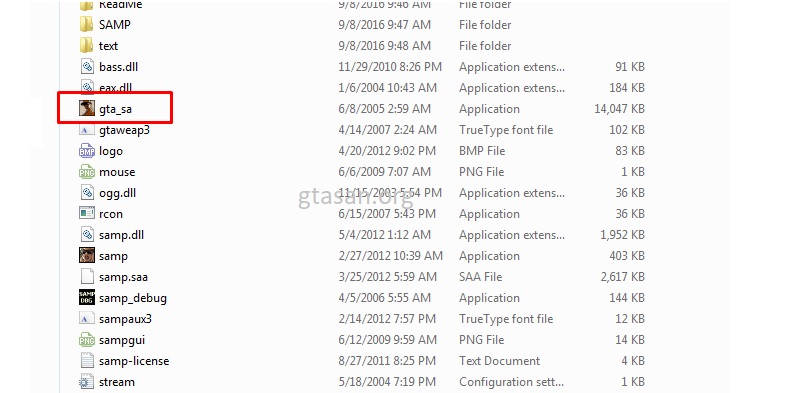
Run the GTA_SA.exe file
Step 3: To better understand the storyline, you can install the Vietnamese language pack.
- Copy all files inside the “Viet Hoa” folder (download link provided below).
- Paste them into the original game folder extracted in Step 1.
- When prompted to replace files, select “Yes to All“.
You can now launch the game and enjoy the full storyline in Vietnamese.
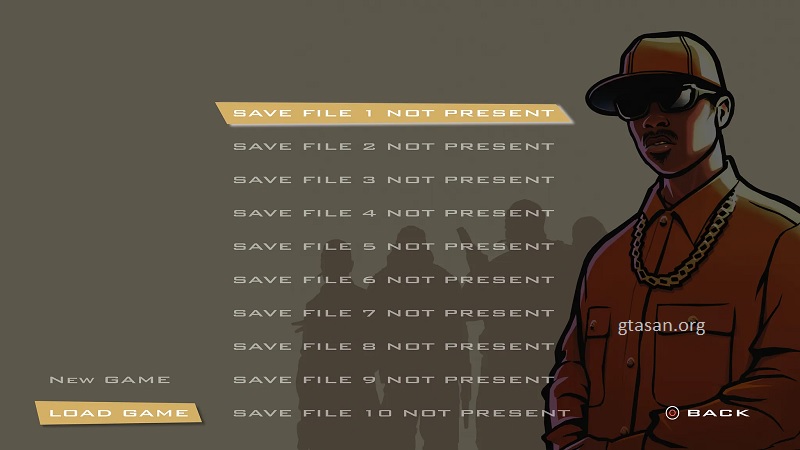
You can now start your adventure in GTA San Andreas
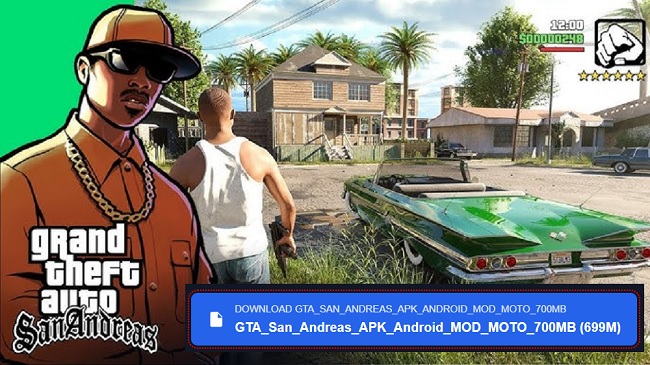
Download Grand Theft Auto: San Andreas PC
Choose the version compatible with your device.
File scanned and verified by gtasan.org
Grand Theft Auto: San Andreas is more than just a game—it’s a nostalgic journey filled with unforgettable adventures alongside CJ. With a clean download link and step-by-step installation guide based on real experience, you can easily set up and enjoy this iconic open-world masterpiece on your device. Don’t forget to try the Vietnamese translated version to fully experience every dialogue and storyline detail. If you encounter any installation issues or errors, feel free to leave a comment below and Nhat Truong will assist you as soon as possible. Enjoy the game!
Join us for exclusive GTA San content, tips, and updates to level up your gameplay.