Tiếng Việt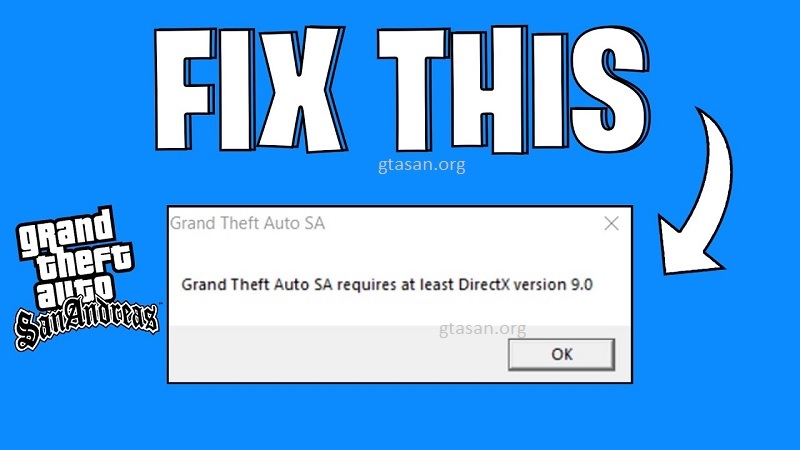
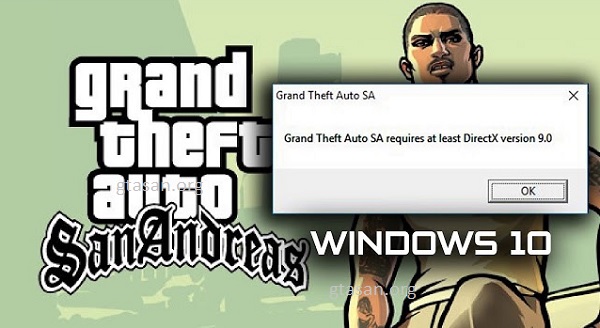
When installing the game on modern operating systems like Windows 10 or Windows 11, many players encounter the frustrating error message: “Grand Theft Auto San Andreas requires at least DirectX version 9.0“. Don’t worry, this issue is common and easily fixed. In this article, Nhat Truong – a dedicated GTA San gamer – will guide you through 2 proven methods to resolve the DirectX 9.0 error so you can get back to CJ’s world instantly.
Why Does GTA San Andreas Show the DirectX 9.0 Error?
There are two primary reasons why this happens on modern PCs:
- DirectPlay is Disabled: Modern Windows versions often disable “Legacy Components” by default. DirectPlay is a critical component that older games like GTA SA need to launch.
- Missing DirectX Files: Your system might lack the specific DirectX 9.0c library packages or some files may be corrupted/missing.
Method 1: Enable DirectPlay (Highly Recommended)
This is the most effective solution and fixes the issue for 90% of players on Windows 10 and Windows 11. Follow these steps:
- Step 1: Open the Control Panel (Press the Windows key and type “Control Panel”).
- Step 2: Navigate to Programs, then click on Turn Windows features on or off (the link with the shield icon).
- Step 3: In the pop-up window, scroll down to find the folder named Legacy Components.
- Step 4: Click the plus (+) icon to expand it, then check the box for DirectPlay.
- Step 5: Click OK. Windows will automatically install and enable the feature. Once finished, try launching the game again.
Method 2: Install DirectX End-User Runtime Manually
If Method 1 doesn’t work, your system might truly be missing the core DirectX system files.
- Step 1: Download the DirectX End-User Runtime Web Installer from the official Microsoft website.
- Step 2: Run the downloaded installer (dxwebsetup.exe).
- Step 3: Select “I accept the agreement” -> click Next -> Next.
- Step 4: Wait a few minutes for the installation to complete. When the “Installation Complete” message appears, click Finish.
Finally, restart your computer and launch the game to enjoy the result.
Important Notes for Playing Modded GTA San Andreas
If you are using GTA SA Mods (such as graphic mods, realistic cars, or GTA V conversion mods), crashes might still occur due to incompatibility.
- If the game still crashes after fixing the DirectX error, check your mod compatibility or try running the game as an Administrator.
- Keep your in-game graphics settings at “Medium” if you are using a low-end PC to prevent lag or visual glitches.
Experiencing a DirectX 9.0 error in GTA San Andreas is perfectly normal on modern hardware. I hope these 2 detailed methods helped you fix the issue successfully. Enjoy your legendary journey with one of the greatest games ever made!
Join us for exclusive GTA San content, tips, and updates to level up your gameplay.