Tiếng Việt

GTA San Andreas remains a legendary masterpiece that has shaped the childhood of millions of gamers worldwide. However, the original full version can be demanding for older hardware and modern entry-level laptops. This is where GTA San Andreas Lite (Lightweight version) becomes the perfect choice, offering a smooth, lag-free experience with an ultra-low file size while preserving of the original storyline. In this guide, Nhat Truong – a veteran GTA San player – will show you how to download and install the most optimized GTA SA Lite version for your PC.
What is GTA San Andreas Lite?
GTA San Andreas Lite is a highly compressed version of the standard game. Large files such as radio stations, background voices, and high-resolution textures are optimized or removed to reduce the size. The core objective is to maintain the complete original storyline, including all missions, characters, and the iconic San Andreas map.
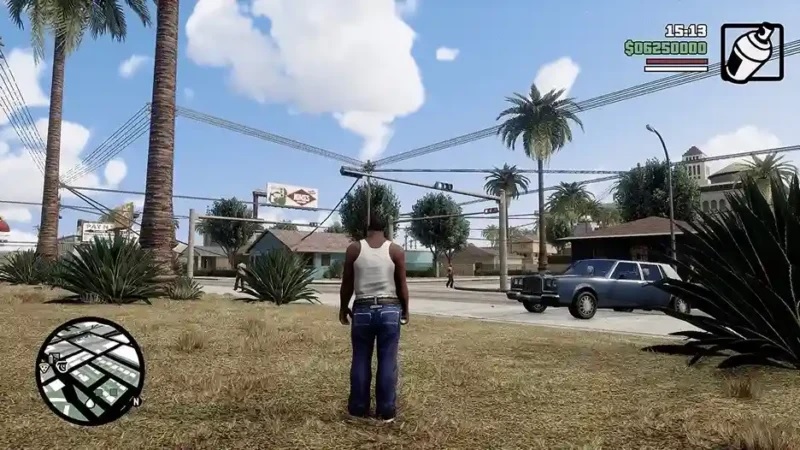
Gamers with budget PCs or old laptops prefer GTA San Andreas Lite for its stability and easy installation. Key features of this Lite version include:
- Ultra-Small Size: Starting from only 600MB (approx. 70% smaller than the original).
- Enhanced Performance: Reduced shadows and heavy textures for higher FPS.
- Full Experience: Includes CJ’s full story in Los Santos, San Fierro, and Las Venturas.
- Compatibility: Perfectly optimized for older PCs/Laptops (built from 2010 onwards).
- Fast Loading: Rapid map loading and minimized “Screen Freeze” errors.
GTA San Andreas Lite vs. Standard Version: What’s the Difference?
Check out the comparison table below to understand why the Lite version is the best choice for low-spec hardware:
| Criteria | Standard Version | GTA SA Lite / Highly Compressed |
|---|---|---|
| File Size | 3.6GB – 4.2GB | 300MB – 700MB |
| Graphics Quality | Full textures, high effects | Optimized / Reduced textures |
| Smoothness | Depends on hardware | Very smooth, optimized for low-end |
| Installation Time | Longer | Quick (2–3 minutes) |
| Stability | High | Very stable, low crash rate |
| Best Suited For | Mid-range to High-end PC | Low-end PC, Old Office Laptops |
Note: If you are using a PC with 2GB RAM or an old office laptop, GTA San Andreas Lite is your safest and best-performing option.
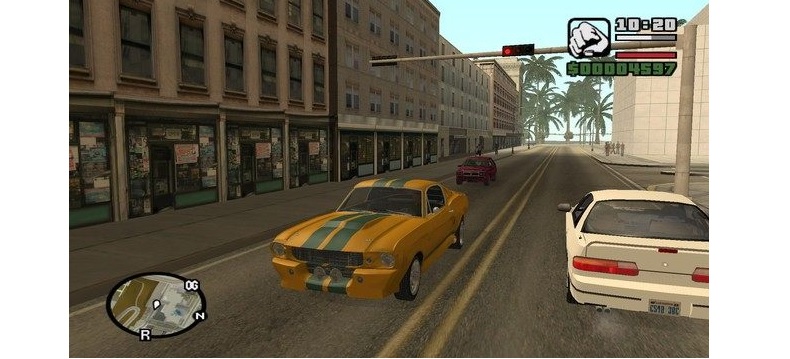
System Requirements for GTA San Andreas Lite
Based on real-world testing by the GTA San community, here are the minimum and recommended specifications:
| Component | Minimum Requirements | Recommended Requirements |
|---|---|---|
| CPU | Pentium 4 or equivalent | Intel Core i3 (2nd or 3rd Gen) |
| RAM | 1 GB | 2 GB – 4 GB |
| GPU (Graphics) | Early Intel HD Graphics | Intel HD 3000 or better |
| Storage | At least 2 GB free space | At least 2 GB free space |
| Operating System | Windows 7 | Windows 10 / 11 |
Expert Tip: Many players using older laptops like the Dell Inspiron 3440 (2014 model, 2GB RAM) report running GTA San Andreas Lite at a steady 40–60 FPS, even during high-speed chases.
Download GTA San Andreas Lite PC
Choose the version compatible with your device.
File scanned and verified by gtasan.org
If you are looking for GTA San Andreas Lite PC download, this is the most stable version available today. With its tiny footprint and fast installation, you can dive back into the world of CJ and the Grove Street Families in minutes!
Join us for exclusive GTA San content, tips, and updates to level up your gameplay.